
How to start an online store in South Africa in 2026 (the honest step-by-step)
Most “how to start an online store” guides are written for the US and skip the parts that actually trip up South African sellers — payment gateways, VAT, shipping, and the real costs in rands. This is the SA-specific version, in the order you’ll actually do it.
Starting an online store has never been more achievable in South Africa, and never more crowded with bad advice. Most of the guides you’ll find are written for an American audience: they assume Shopify Payments works (it doesn’t here), ignore VAT, hand-wave shipping, and quote everything in dollars. None of that survives contact with a real SA business.
We’ve built over 400 stores for South African businesses since 2014, so this guide is the order we’d actually walk a new client through — the decisions that matter, the ones that don’t, and the SA-specific traps. Work through it in sequence and you’ll launch a store that can actually take money and ship product, not just a pretty homepage.
The order to do it in
Seven steps in five stages. Each is covered below.
Step 1: Validate what you’re selling (before you build anything)
The complete manual
Everything in this post — and the other 18 chapters of running a profitable SA store — is in The SA eCommerce Bundle 2026: our 19-chapter playbook, market report, 5 working calculators and 3 legal templates. R500 R299 special, instant download.
The most expensive mistake is building a beautiful store for a product nobody wants. Before you spend a cent on a platform, get honest about three things: is there real demand, can you source or make the product reliably, and is there enough margin left after all your costs to make it worth doing?
That last point is where most SA stores quietly fail. Between product cost, payment fees, shipping, packaging and advertising, a surprising amount of every sale disappears. Before you commit, model what you’d actually keep on a typical order — our breakdown of what you really keep on a R500 sale walks through exactly where the money goes, and the Profit Margin Calculator lets you plug in your own numbers. If the answer is thin, fix your pricing or sourcing now, not after launch.
Step 2: Choose your platform
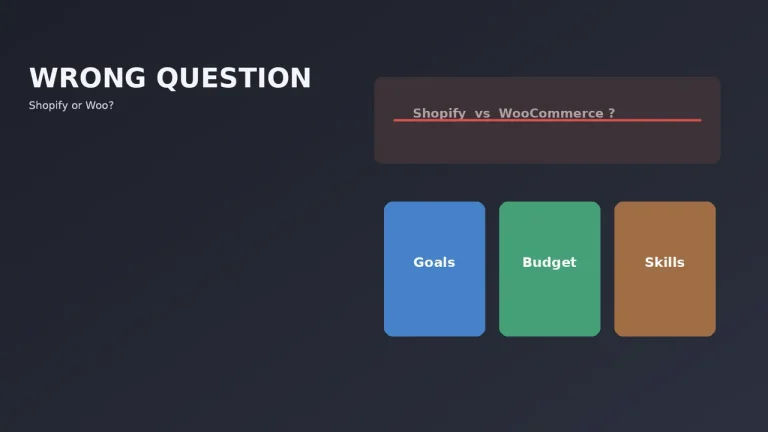
This is the decision you’ll live with longest, so don’t rush it on a forum recommendation. For the vast majority of SA stores it comes down to Shopify or WooCommerce:
- Shopify — hosted and managed. You pay a monthly fee and Shopify handles hosting, security, updates and uptime. Fastest to launch, lowest hassle, best-converting checkout. The SA catch: because Shopify Payments isn’t available locally, you pay an extra transaction fee on top of your gateway fee.
- WooCommerce — self-hosted WordPress. You own everything and pay no transaction fees, but you’re responsible for hosting, security and maintenance. More control, more work.
There are eight other platforms worth knowing about for edge cases. Rather than rehash it here, take the eCommerce Platform Picker — six questions and you’ll get a ranked recommendation — or read the full platform comparison for SA stores. For most first-time sellers who want to focus on selling rather than servers, Shopify is the sensible default.
Step 3: Sort your payment gateway (the SA-specific bit)
This is where international guides fall apart. In South Africa you cannot use Shopify Payments — you need a local third-party gateway. The main options are PayFast, Yoco, Peach Payments, Ozow, Stitch and PayGate, and the cheapest one depends entirely on your payment mix and average order value.
Two SA realities to budget for: first, your customers expect more than just cards — instant EFT (via Ozow or your gateway), SnapScan and Zapper all lift conversion. Second, if you’re on Shopify, that platform adds its own transaction fee (2% on Basic, dropping to 1% and 0.6% on higher plans) on top of the gateway fee, because Shopify Payments isn’t available here. Stack PayFast’s 3.2% + R2 with Shopify’s 2% and you’re paying over 5% per sale on Basic — real money you need to price in.
On Shopify Basic, a card sale costs over 5% in fees
Percentage of each card sale, ex VAT, paid through PayFast.
Plus PayFast’s R2 per transaction. Shopify’s fee drops to 1% on Grow and 0.6% on Advanced.
Don’t guess which gateway is cheapest — run your numbers through the Payment Gateway Comparator, and read the cheapest payment gateway guide for the full breakdown. While you’re at it, consider adding a Buy Now, Pay Later option, which lifts conversion on considered purchases — see our BNPL guide for SA stores.
Step 4: Get your legal and tax basics right
Not glamorous, but skipping it causes real pain later. The essentials for an SA store:
- Business registration: You can start as a sole proprietor, but registering a company (Pty Ltd) via the CIPC is straightforward and separates your personal and business liability.
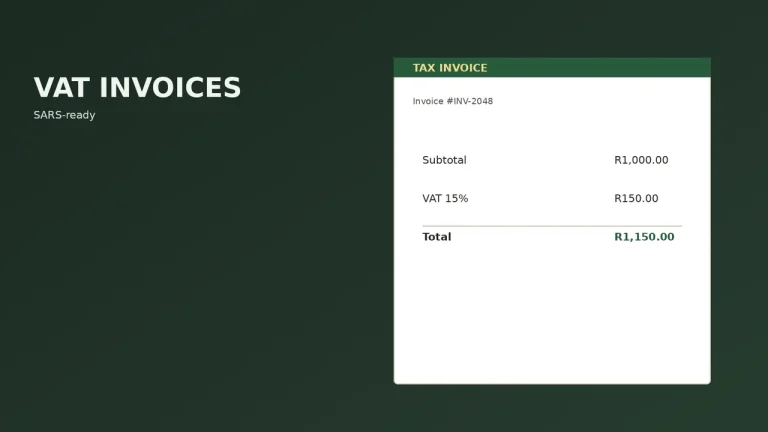
- VAT: Registration is compulsory once your turnover exceeds R1 million in any 12-month period, and voluntary above R50,000. The trap is pricing as if VAT doesn’t exist and then having to absorb 15% once you cross the threshold. Decide your VAT position early and price accordingly.
- Consumer Protection Act & POPIA: You need a clear returns/refunds policy (the CPA gives consumers real rights) and a privacy policy covering how you handle customer data under POPIA. Both are standard pages every compliant SA store needs.
- Terms & conditions: Covering delivery, returns, and your trading terms.
Step 5: Sort shipping and fulfilment
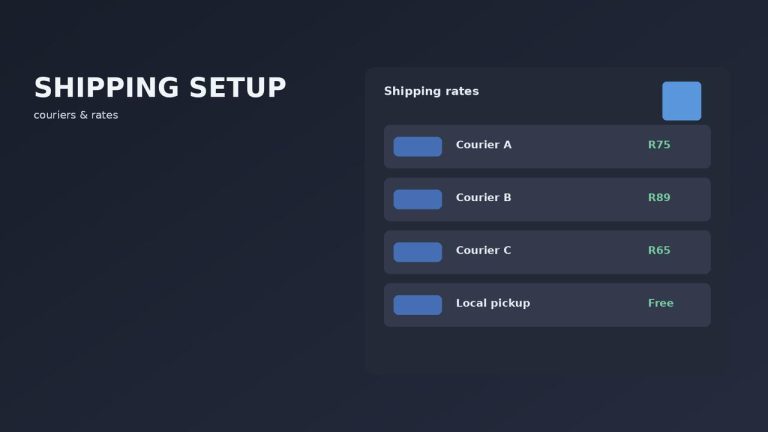
Shipping is the top cause of abandoned carts in South Africa, so this isn’t an afterthought. Decide early: which couriers, what you charge, and whether you offer free shipping above a threshold (which also lifts average order value). Aggregators like Bob Go and ParcelSpot let you compare courier rates and book collections, often saving meaningfully versus a single courier account. SA shoppers generally expect 2–5 business days for domestic delivery, so set expectations clearly on the product and checkout pages.
Step 6: Build the store properly
Now you build. Whether you do it yourself or hire help, the non-negotiables for an SA store that converts:
- Clean, fast, mobile-first design — most SA traffic is mobile, and speed directly affects both conversion and Google ranking.
- Trust signals: clear contact details, a real returns policy, secure-checkout badges, and reviews.
- Proper product pages — good photos, honest descriptions, clear pricing including whether VAT is included.
- The essential apps only — email, reviews, search if your catalogue is big — not fifteen overlapping ones. See how many apps you actually need and get a tailored set from the App Stack Recommender.
- Local payment methods wired in and tested with a real transaction before launch.
A capable, technical person can build a basic store themselves. If you’d rather it be done right the first time — properly configured gateways, SEO foundations, and a checkout that actually converts — that’s what a developer is for. A Startup Shopify store with us is typically live in 10–14 working days from deposit, assuming we have your product data.
Step 7: Launch, then market (the part that never ends)
Launching is the start, not the finish. The stores that succeed treat marketing as the ongoing job: SEO so you rank for what people search, Google and Meta ads to drive traffic you can measure, email to turn one-time buyers into repeat customers, and content that builds trust. You don’t need all of it on day one — pick one channel, get it working, then add the next.
What it actually costs to start
What the build costs, by route
One-off build cost, ZAR excl VAT. Ongoing R1,500–R2,500/mo not included.
Frequently asked questions
The bottom line
Starting an online store in South Africa is genuinely doable, but the order matters: validate the product and margin first, choose the right platform, sort local payments and shipping properly, get the legal basics in place, then build and market. The SA-specific traps — Shopify Payments not being available, VAT, shipping costs, stacked transaction fees — are exactly the parts the generic guides skip and the parts that sink first-timers.
Get those right and you’ve got a real business, not just a website. If you’d rather skip the trial and error and have it built properly from the start, that’s what we do — tell us what you’re selling and we’ll come back with a real quote and timeline.

We have built 400+ online stores for South African businesses since 2014. Read more about eCommerce development in South Africa.