
WooCommerce SEO: how to rank a South African store
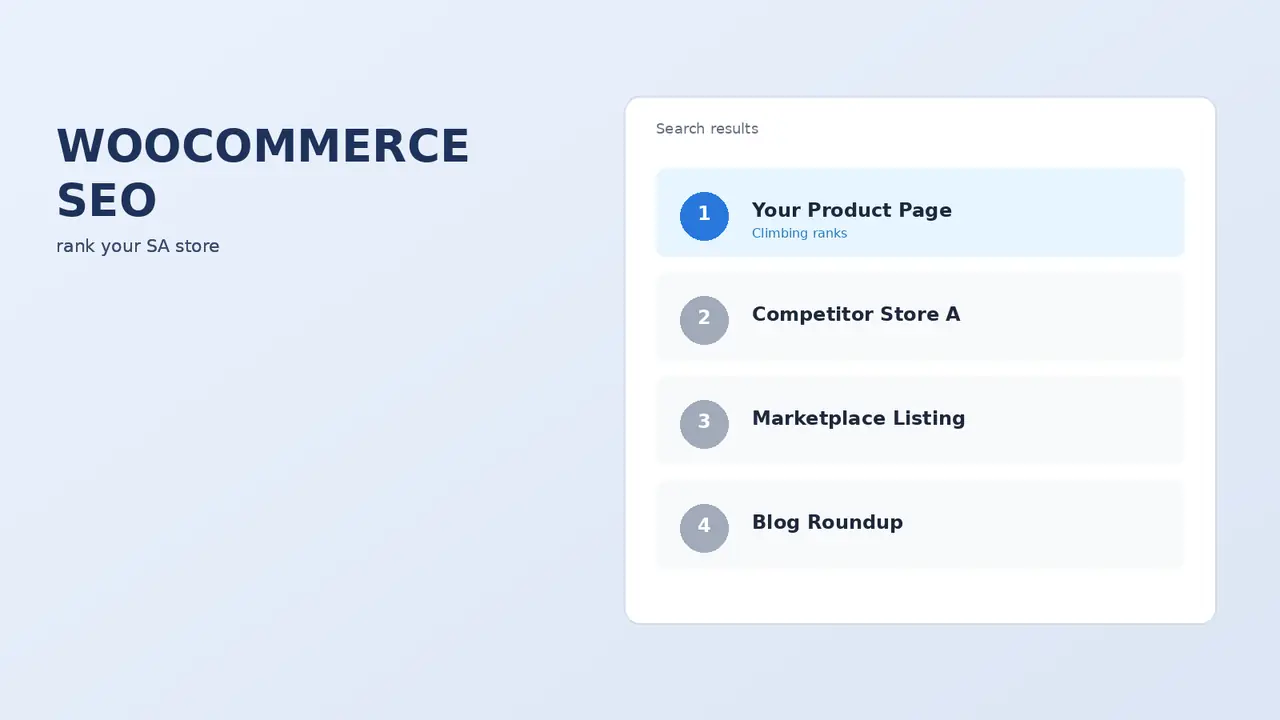
WooCommerce gives you more SEO control than any hosted platform. That is an advantage only if you use it. Most South African stores leave the same handful of wins on the table, and they are all fixable in an afternoon.
The good news about WooCommerce SEO is that you own everything. URL structure, schema, page templates, server configuration, redirects. Nothing is locked behind a platform’s decisions. The bad news is the same sentence: nothing is done for you, and the defaults are not optimised.
The WooCommerce SEO problems nobody warns you about
Start here, because these are structural and they get worse the longer you leave them.
Product URLs with a shop prefix
By default WooCommerce serves products at /product/product-name/. That prefix adds nothing and makes every URL longer. You can remove it in permalink settings, but only do this before launch or with proper redirects in place afterwards — changing URLs on an established store without 301s is one of the most damaging things you can do to your rankings.
Faceted navigation creating thousands of thin URLs
This is the big one. Every filter combination on your shop page — colour, size, price, rating — can generate a crawlable URL. A store with four filter attributes can produce tens of thousands of near-identical pages. Google crawls them, finds them thin and duplicative, and your crawl budget goes on rubbish instead of your actual products.
How four filters become tens of thousands of thin pages
Faceted navigation on a default WooCommerce shop page.
The fix is to decide deliberately which filter combinations deserve to be indexed. Usually the answer is very few. Everything else gets noindexed or blocked, and canonical tags point back to the clean category page.
Product variations competing with each other
If your variations generate separate URLs, they compete for the same query. Keep the parent product as the canonical target unless a variation is genuinely a different search intent.
Out-of-stock products silently disappearing
Hiding out-of-stock products removes URLs that may have accumulated links and rankings. If the product is coming back, keep the page live and show the stock status. If it is gone permanently, 301 it to the nearest equivalent, not to the homepage.
Category pages are where the traffic is
Most store owners optimise product pages and ignore categories. That is backwards for commercial search.
Someone searching “leather laptop bags South Africa” wants a selection, not one item. That is a category page query. Product pages win long-tail and branded searches; category pages win the head terms that actually carry volume.
Category pages win the searches with volume
What each page type ranks for on a WooCommerce store.
| Category page | Product page | |
|---|---|---|
| Wins | Commercial head terms that carry volume | Long-tail and branded searches |
| Searcher wants | A selection to choose from | One specific item |
| Example | “leather laptop bags South Africa” | A product or brand name |
| Needs | Real copy, intent-matched H1, unique title, internal links, controlled pagination | Your own description, validated product schema |
What a category page needs:
- Real copy, above or below the grid. Two or three hundred words that genuinely help someone choose. Not keyword filler.
- A sensible H1 that matches search intent rather than your internal taxonomy name.
- A unique title and meta description. The default is usually just the category name.
- Internal links to related categories. Helps users and distributes authority.
- Controlled pagination. Page two onward should not compete with page one.
Product schema, and why it matters more for stores
Structured data is where WooCommerce SEO pays off visibly. Product schema with price, availability and review data can produce rich results in search — star ratings, price, stock status — and those measurably lift click-through rate.
WooCommerce outputs basic product schema by default. An SEO plugin like Rank Math improves it. What to verify:
- Price and currency present, and in ZAR.
- Availability reflecting actual stock status.
- Review data present if you collect reviews, and absent if you do not. Fake review markup is a manual action risk.
- Brand and GTIN where you have them — increasingly relevant for Google Shopping too.
Test with Google’s Rich Results tool rather than assuming your plugin got it right.
The South African angle
Two things that generic WooCommerce SEO advice will not tell you.
Local hosting is a ranking input, indirectly. Speed is a ranking factor and a much bigger conversion factor. A store served from Johannesburg to a Cape Town customer starts every page load well ahead of one served from Frankfurt. We covered the performance side in our WooCommerce speed guide and the infrastructure side in our hosting guide.
Write for South African search language. Your customers search in local terms. “Bakkie” not “pickup truck”. “Costume” and “swimming costume” rather than “swimsuit”. “Load shedding” as one concept. Optimising a South African store using American keyword data produces content that targets searches nobody local makes.
The same applies to your domain. A .co.za domain is a mild but real localisation signal, and a stronger trust signal to South African shoppers.
Technical checklist
| Item | Why | Priority |
|---|---|---|
| XML sitemap submitted to Search Console | Discovery. Confirm robots.txt points at the right one. | Critical |
| Filter and facet URLs controlled | Stops crawl budget draining into thin pages | Critical |
| Canonical tags on products and variations | Prevents self-competition | High |
| Cart, checkout and account pages noindexed | They have no search value and can leak | High |
| Product schema validated | Rich results, higher CTR | High |
| Unique titles and descriptions on categories | Categories carry the commercial head terms | High |
| Image alt text on product images | Image search is real traffic for retail | Medium |
| 301s for every removed or renamed product | Preserves accumulated authority | Medium |
| Breadcrumbs with schema | Helps crawlers and appears in SERPs | Medium |
| Internal links from blog content to categories | Distributes authority to commercial pages | Medium |
Content that actually sells for a store
Product descriptions carry more SEO weight on WooCommerce than people assume, mostly because so many stores use the manufacturer’s copy verbatim. If three hundred stores carry the same paragraph, none of them ranks on it.
Write your own, even briefly. We covered the how in our guide to product descriptions. The SEO benefit is a side effect of the conversion benefit, which is the right way round.
Beyond product pages, the content that works for stores is buying-decision content: comparisons, sizing guides, care instructions, and honest answers to the questions your customers actually ask before buying. That content earns links, ranks for informational queries, and feeds internal links into your category pages.
WooCommerce SEO FAQs
Is WooCommerce good for SEO?
Yes, better than most hosted platforms, because you control the URL structure, schema, redirects, server and templates. That control is only an advantage if you configure it. Out of the box the defaults are adequate rather than good.
Which SEO plugin should I use with WooCommerce?
Rank Math or Yoast. Both handle product schema, sitemaps, titles and canonicals properly. Pick one and only one — running two creates duplicate meta tags and conflicting sitemaps.
Should I remove /product/ from my WooCommerce URLs?
Before launch, yes. On an established store, only with 301 redirects for every existing URL. The gain is small and the risk of doing it carelessly is large.
How do I stop WooCommerce filters creating duplicate content?
Decide which filtered views deserve indexing, canonical the rest back to the parent category, and noindex combinations that produce thin results. On large catalogues this is often the single highest-impact technical SEO fix available.
Do product reviews help SEO?
Yes, two ways. They add unique content to product pages, and with valid schema they can produce star ratings in search results, which lifts click-through. Never mark up reviews you do not actually have.
How long does WooCommerce SEO take to work?
Technical fixes can show within weeks. Content and authority building realistically takes three to six months before meaningful movement, longer in competitive categories. Anyone promising faster is selling something.
Should I noindex my WooCommerce cart and checkout?
Yes. They have no search value, they can appear in results with session parameters attached, and they waste crawl budget. Most SEO plugins do this automatically for WooCommerce — verify rather than assume.
Is WooCommerce SEO different from Shopify SEO?
The principles are identical. The execution differs because WooCommerce gives you control Shopify does not — particularly over URL structure and server configuration — while Shopify handles more for you by default. We cover the Shopify side in our Shopify SEO guide.

We have built 400+ online stores for South African businesses since 2014. Read more about WooCommerce development in South Africa.