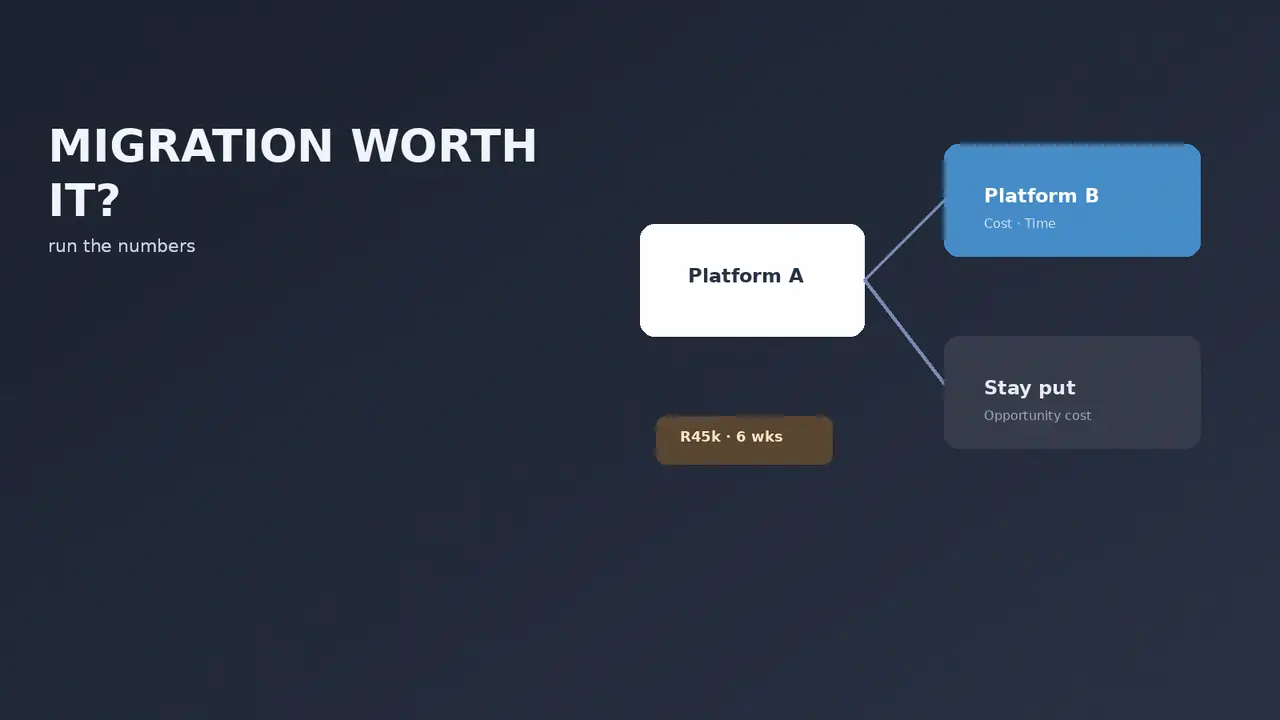

When is a platform migration actually worth it? Run the numbers first.
Migrating platforms is exciting for about a week and expensive for about three months. Before you commit, it is worth knowing what the switch has to earn back and how long that will take. Usually it is longer than people assume.
We do migrations. We also talk a meaningful number of people out of them, which is the part that surprises prospects. The Migration ROI Estimator exists because “should I move platforms” is a financial question dressed up as a technical one, and answering it with enthusiasm rather than arithmetic is how businesses end up spending R60,000 to solve a R6,000 problem.
The costs of migrating
The build quote is the visible number. It is not the whole cost.
| Cost | Notes |
|---|---|
| Build or migration fee | The number on the quote. Varies enormously with catalogue complexity. |
| Data migration | Products, customers, order history. Order history is usually the expensive part. |
| Redirect mapping | Every old URL needs a 301. Skip this and you lose rankings. |
| App and plugin replacement | Your current stack does not transfer. Some tools have no equivalent. |
| Retraining | Your team has to learn a new admin. Real hours, rarely budgeted. |
| Temporary productivity loss | The month either side of a migration is not a normal month. |
| SEO recovery period | Even a clean migration usually dips before it recovers. |
That last one is the cost people most underestimate. A properly executed migration with complete redirect mapping still typically sees a temporary ranking dip. A badly executed one can lose traffic that takes a year to rebuild, if it comes back at all.
The benefits, and how to value them honestly
The savings side is usually easier to quantify, which is why it dominates the conversation.
- Platform fees. Moving from a monthly platform fee to self-hosted, or the reverse. Straightforward to calculate.
- Transaction fees. Moving off a platform that charges a percentage on top of your gateway. On volume this is real money.
- App consolidation. Sometimes the new platform includes natively what you were paying three apps for.
- Development efficiency. If every change currently costs you developer hours because the platform fights you, that has a rand value.
The harder ones to value, and the ones people overstate:
- “Better conversion.” A new platform does not automatically convert better. A better-designed store does, and you can often build that on your current platform for a fraction of a migration.
- “More scalable.” Usually true and usually irrelevant until you are actually hitting the ceiling.
- “Easier to manage.” Genuinely valuable, genuinely hard to quantify. Try estimating hours saved per week and pricing them.
What the estimator does
You enter your current platform costs, your expected migration cost, and your projected new running costs. It returns your payback period — how many months until the migration has paid for itself.
Our rule of thumb on the output: under 12 months, the migration is probably justified on cost alone. Twelve to 24 months, it needs a strategic reason as well. Over 24 months, you are moving for reasons that are not financial, and you should be honest with yourself about what they are.
How to read your payback period
Months until the migration has paid for itself, from the estimator.
That last case is not automatically wrong. “My current platform makes every simple change a two-week ordeal and I hate working on it” is a legitimate reason to move. It is just not a payback calculation, and dressing it up as one leads to disappointment when the savings do not materialise.
When we tell people not to migrate
Three situations, regularly.
When the real problem is the theme, not the platform. A slow, ugly, badly converting store is usually a slow, ugly, badly converting theme. Rebuilding the front end on your existing platform costs a fraction of a migration and fixes the actual complaint.
When the real problem is hosting. “WooCommerce is slow” is almost always “my hosting is too small”. We covered how to tell the difference in our speed diagnosis guide. A R150/month hosting upgrade against a R50,000 migration is not a close call.
A year of bigger hosting vs one migration
Rand. Hosting upgrade at R150 a month for 12 months.
Check whether the problem is hosting before costing a move.
When the store is about to change direction anyway. If you are considering adding B2B, changing your product mix, or restructuring your catalogue, migrate after those decisions rather than before. Otherwise you migrate twice.
If you do migrate, what protects you
- Complete redirect mapping. Every indexed URL on the old site gets a 301 to its closest equivalent. Not to the homepage. This single item is the difference between a migration that dips and recovers and one that does not.
- Migrate order history, not just products. Customers expect to see past orders. Losing that history is a support burden and a trust problem.
- Run both in parallel where possible. Build and test on the new platform fully before switching DNS.
- Baseline your metrics first. Record current traffic, rankings and conversion before you move. Without a baseline you cannot tell whether the migration helped or hurt.
- Keep the old site accessible for a period. You will need to check something you forgot to migrate.
Related reading
If you are weighing a specific move, we have the detail: what a WooCommerce to Shopify migration actually costs, our migration guide, and moving from Wix or Squarespace.
If you have not settled on a destination yet, the Platform Picker is a better starting point than the ROI estimator — work out where you are going before you cost the trip.

We have built 400+ online stores for South African businesses since 2014. Read more about WooCommerce development in South Africa and Shopify development in South Africa.