
How to accept payments on Shopify in South Africa (the Shopify Payments workaround)
Shopify Payments doesn’t work in South Africa — and the way you handle that costs or saves you real money on every single sale. Here’s how to set payments up properly, which gateway to choose, and the extra Shopify fee nobody warns first-timers about.
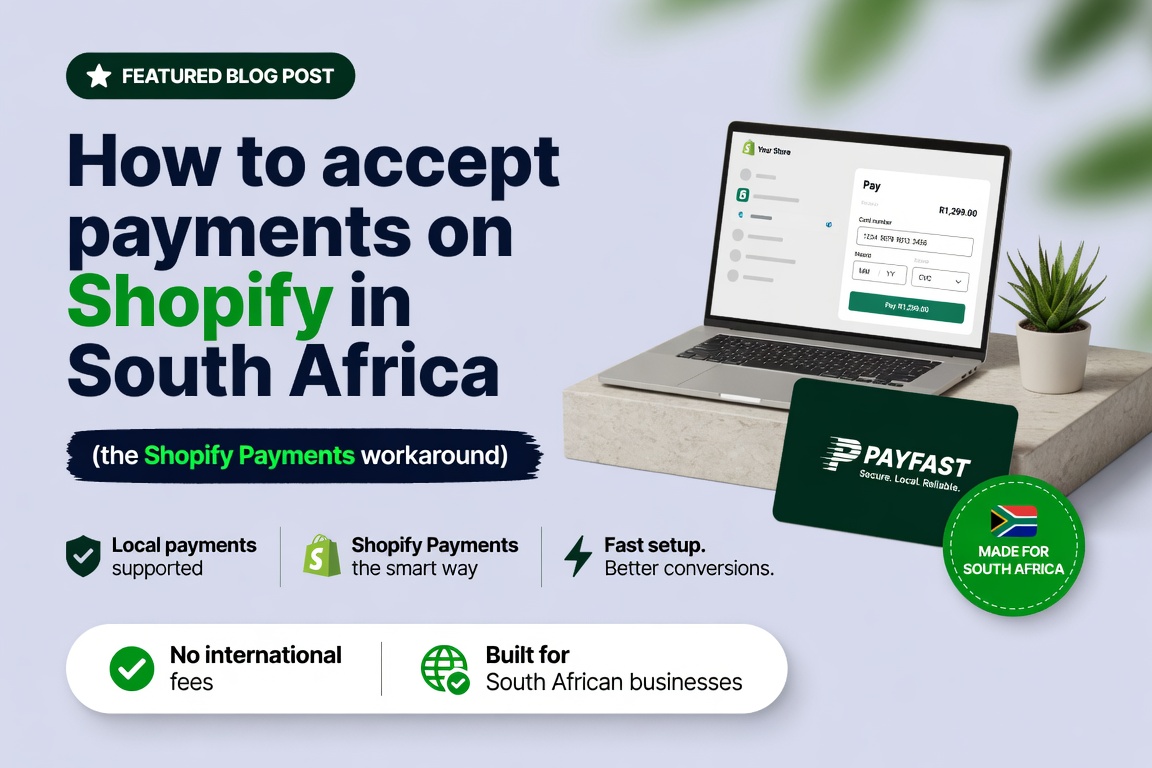
If you’re setting up a Shopify store in South Africa, you’ll hit this wall fast: Shopify’s own built-in payment gateway, Shopify Payments, is not available here. Every guide written for the US assumes you’ll just switch it on. You can’t. This isn’t a small footnote — it changes how you take money and adds a cost most first-time SA sellers don’t see coming until it’s eating their margin.
The good news: Shopify works perfectly well in South Africa once you set it up the local way, with a third-party gateway. This guide covers exactly how to do that, which gateway makes sense, and the all-important extra fee to budget for. (This is one slice of the full payment gateway comparison — here we focus on the Shopify-specific setup.)
The core issue: no Shopify Payments, so you use a third-party gateway
Because Shopify Payments isn’t offered in South Africa — a mix of regulatory, banking and local-integration reasons — you connect a separate, locally-supported payment gateway to your Shopify store instead. The main SA options are PayFast, Yoco, Peach Payments, Ozow, Stitch and PayGate. They integrate with Shopify, process the payment, and settle the money to your bank account. Functionally it works just like Shopify Payments would — the customer pays at checkout, you get the money — but with one extra cost layer, which we’ll get to.
The fee nobody warns you about
Here’s the part that catches first-timers, and it’s worth putting plainly: because you’re not using Shopify Payments, Shopify charges you an additional transaction fee on top of your gateway’s fee. This applies to every SA Shopify store using a third-party gateway. The rate depends on your plan:
| Shopify plan | Shopify 3rd-party fee | Roughly (ZAR/mo, annual) |
|---|---|---|
| Basic | 2.0% | ~R550 |
| Grow | 1.0% | ~R1,500 |
| Advanced | 0.6% | ~R5,600 |
So your real cost per sale is the gateway fee plus this Shopify fee. Stack PayFast (3.2% + R2) with Shopify Basic’s 2% and you’re paying 5.2% + R2 per transaction. This stacking is the single biggest reason SA Shopify pricing surprises people — and it has a real strategic implication: the higher Shopify plans aren’t just about features, they’re about cutting this fee. Upgrading from Basic (2%) to Grow (1%) saves 1% on every sale, which pays for the higher subscription once you’re processing roughly R95,000/month. Above that, the upgrade is effectively free.
Basic pays R20 on every R1,000 sold, Advanced pays R6
Shopify third-party fee per R1,000 of sales, on top of the gateway fee. Lower is better.
Applies to every SA Shopify store on a third-party gateway. Plan subscriptions (roughly R550, R1,500 and R5,600 a month) not included.
Model this for your own volume before choosing a plan — the Profit Margin Calculator includes the SA gateway and Shopify fees so you can see your true cost per sale.
Which gateway should you choose?
There’s no single best — it depends on your payment mix (card vs instant EFT) and average order value. A quick orientation:
- PayFast — the most popular for SA Shopify stores. Widest range of SA payment methods (cards, instant EFT, SnapScan, Zapper, even Mobicred), no monthly fee, native Shopify integration. A safe default.
- Yoco — card-led, simple flat 2.95% with no per-transaction flat fee, which makes it attractive for lower-value, card-heavy baskets.
- Peach Payments — polished, strong on cards and instant EFT, good Shopify plugin, plan-dependent pricing.
- Ozow — instant-EFT specialist at a low rate; great as a second option alongside a card gateway, since many SA shoppers prefer EFT.
- Stitch / PayGate — capable options worth comparing, particularly at higher volume.
A common smart setup is a card-led gateway plus Ozow for instant EFT, so you cover both how-SA-pays preferences. Don’t guess the cheapest — run your real numbers through the Payment Gateway Comparator, and read the cheapest payment gateway breakdown.
How to set it up, step by step
- 1. Open an account with your chosen gateway. Apply with PayFast, Yoco, Peach, etc. You’ll go through FICA verification (ID, proof of bank account, business details) — this is the step that trips people up, so allow a few days.
- 2. Get your API credentials. Once approved, the gateway gives you integration keys (merchant ID, keys/secrets).
- 3. Connect it in Shopify. In Shopify admin, go to Settings → Payments, find your gateway under third-party providers (or install its Shopify app), and enter your credentials.
- 4. Add instant EFT and any extras. If you want Ozow or another EFT option alongside cards, connect that too.
- 5. Consider adding Buy Now Pay Later. Options like PayJustNow, Payflex or Float lift conversion on considered purchases — see our BNPL guide.
- 6. Test with a real transaction. Always do a live test purchase before launch — check the payment succeeds, the order appears, and the money settles. Never assume; verify.
From gateway application to first live sale
Setup order for a South African Shopify store. FICA is the slow step.
Allow a few days for FICA approval and start it while the store is being built.
The FICA verification trap
The most common thing that delays an SA Shopify launch isn’t the build — it’s gateway approval. Every SA gateway requires FICA verification before it’ll process live payments, and that means submitting ID, proof of address, bank confirmation and business documents, then waiting for approval. Start this early, in parallel with building the store, not the day before you want to go live. We’ve seen launches slip by a week purely because the gateway paperwork was left to the end.
Frequently asked questions
The bottom line
Accepting payments on Shopify in South Africa is straightforward once you know the rules: Shopify Payments isn’t available, so you connect a local third-party gateway, and you budget for Shopify’s extra transaction fee on top of the gateway’s. Choose the gateway that fits your payment mix, start the FICA verification early so it doesn’t delay your launch, add the EFT and pay-later options SA shoppers expect, and always test with a real transaction. Get the plan-vs-fee maths right and you keep more of every sale.
If you’d rather have payments set up and tested properly as part of your store build — the right gateway, EFT and BNPL wired in, the plan chosen to minimise fees — that’s standard in every Shopify store we build. Run your numbers through the Payment Gateway Comparator first, then talk to us.

We have built 400+ online stores for South African businesses since 2014. Read more about Shopify development in South Africa.