
What an eCommerce store audit should check (and what it should cost)
Most store audits are either a free tool report dressed up as advice, or a sales pitch for a rebuild. A useful one tells you which ten things are costing you sales, in order, and what each one costs to fix. Here is what that looks like.
I have reviewed a lot of South African stores over the years, on Shopify and WooCommerce. The problems repeat. A slow product page on mobile. A delivery cost that only appears at checkout. A payment step that fails more often than anyone has noticed. Tracking that counts add-to-carts as sales. None of it is visible from the inside, because the owner knows the store too well to see it as a stranger does.
An audit is the cheapest way to see your store as a stranger does. This guide covers what a proper one checks, how the findings should be ranked, what you can check yourself today, and what to expect to pay.
When an audit is worth doing
An audit pays for itself in three situations.
- Before you spend on ads. Paid traffic multiplies whatever your store already does. If the product page loses half its visitors on mobile, ads buy you twice as many lost visitors.
- Before you rebuild. A rebuild costs tens of thousands of rand. An audit tells you whether your problems are structural or a list of fixable settings. More often than not, they are fixable.
- When sales flatten and you do not know why. Traffic steady, orders down. Something changed: a plugin update, a gateway setting, a courier rate. An audit finds it faster than guessing.
It is not worth doing before your store is live. There is nothing to measure yet. Read our 19 things to know before launching instead.
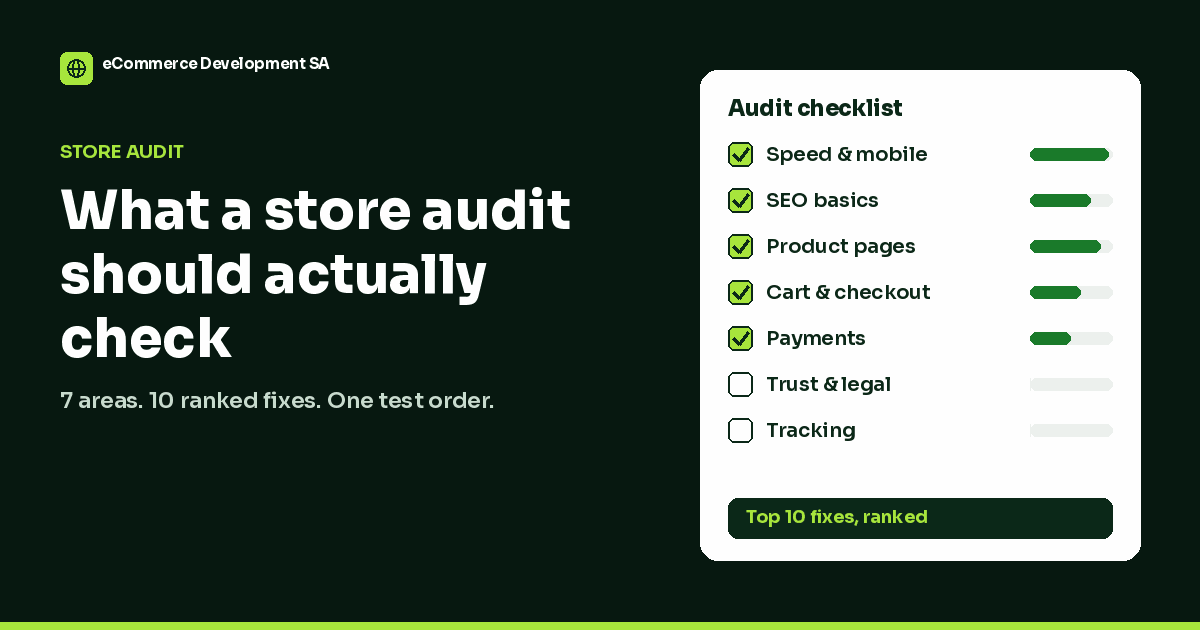
The seven things a proper store audit checks
Three passes, seven areas
Each pass looks at the store through different eyes.
1. Speed and mobile
Test on a phone, on mobile data, from South Africa. Most speed tools default to a test location in the US or Europe, which tells you nothing about your customer in Durban. Look at the product page and the cart separately: the homepage is usually cached and fast, while the cart cannot be cached at all. On mobile, check that buttons are reachable with a thumb, that images are not pushing the price below the fold, and that pop-ups do not cover the add-to-cart button.
2. SEO basics
Not a keyword strategy, just the plumbing. Are your product and category pages indexed? Do they have unique titles and descriptions, or the same template text on every page? Are there duplicate URLs from filters and variations? Do old URLs redirect, or do they 404 and throw away the links you earned? These are the issues that quietly cap organic traffic, and most are an afternoon’s work to fix. Our guides to WooCommerce SEO and Shopify SEO go deeper.
3. Product pages
This is where most sales are won or lost. Can a visitor tell, within five seconds, what the product is, what it costs, when it will arrive and how much delivery is? Are the photos large and zoomable? Is stock status honest? Is there a reason to buy here rather than on Takealot? The most common finding I see is delivery information hidden until checkout. Shoppers treat a surprise delivery cost as a reason to leave.
4. Cart and checkout
Place a real test order, on a phone. Count the fields. Check whether account creation is forced. Check what happens with a typo in the postal code, an expired card or a failed OTP. Check the delivery options: lockers and pickup points matter to South African shoppers, and a checkout that only offers door-to-door loses some of them. Our abandoned cart playbook covers the recovery side.
5. Payments
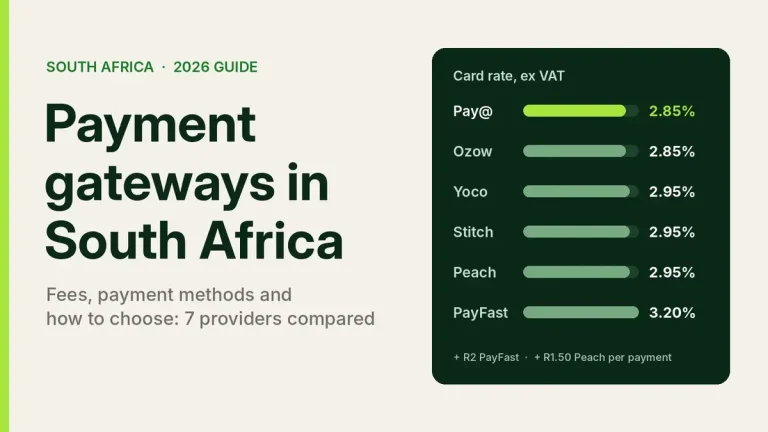
Which methods do you offer, and how are they presented? Card, Instant EFT and buy now, pay later each serve different shoppers. Look at the gateway settings too: 3D Secure failures and OTP timeouts are a real source of lost orders, and most store owners never look at their failed-payment numbers. Our piece on payment gateway costs shows what the fees do to your margin.
6. Trust and legal
First-time buyers look for a returns policy, delivery times, a physical address and a way to reach a person. In South Africa this is also a legal question. Section 43 of the Electronic Communications and Transactions Act lists information an online supplier has to show, including contact details and the full price, and POPIA requires a privacy policy that actually matches what you collect. Missing these costs trust before it costs a fine.
7. Tracking
If Google Analytics and your ad platforms are recording the wrong thing, every decision built on them is wrong. Common faults: purchases counted twice, purchases not counted when the customer pays by EFT and returns later, and add-to-cart events reported as conversions. An audit should compare a real test order against what your analytics recorded.
How the findings should be ranked
A list of 60 problems is not an audit. It is homework. The useful output is a short list ranked by two things: how much each fix is likely to matter, and how much it costs to do.
| Priority | Typical example | Why it ranks there |
|---|---|---|
| Fix this week | Delivery cost hidden until checkout | High impact, often a settings change |
| Fix this week | Purchases not tracked correctly | Every other decision depends on it |
| Fix this month | Slow product pages on mobile | High impact, needs some technical work |
| Fix this month | Template titles on every product | Caps organic traffic, steady fix |
| Plan for later | Theme or platform change | High cost; only once the cheap fixes are done |
Here is the format I use for each finding in a report. It is the same structure whether the fix is a two-minute setting or a week of development.
Example finding · Priority 2 of 10
Delivery cost only appears at the final checkout step
What is wrong: Product pages say nothing about delivery. The cost appears after the customer has entered their address.
Why it costs sales: Unexpected extra costs are one of the most common reasons shoppers abandon a checkout.
How to fix it: Add a one-line delivery note under the price (cost, free-delivery threshold, typical delivery days) and a delivery estimate in the cart.
Effort: Low. Template edit plus cart setting.
What you can check yourself in 30 minutes
Before you pay anyone, do this. It will catch the obvious problems, and it will make any audit you buy more useful because you will know what to ask.
- Buy something from your own store, on your phone, on mobile data. Time it. Note every moment you hesitated.
- Look at one product page as a stranger. Can you see price, delivery cost, delivery time and returns without scrolling far?
- Search Google for site:yourstore.co.za. Are your main products and categories listed, with sensible titles?
- Open your analytics and find yesterday’s orders. Does the number match your store’s order list?
- Check your failed payments. Your gateway dashboard shows them. If you have never looked, look now.
- Read your returns, delivery and privacy pages. Do they match what you actually do?
What an audit should cost, and the red flags
Prices vary widely because scope does. A free automated report from a speed or SEO tool costs nothing and is worth about that on its own, because it cannot tell you which of its 80 warnings matter for your store. A full agency audit with a strategy workshop can cost many thousands of rand. Between those is a fixed-scope expert review: a person working through a checklist on your actual store and writing up a ranked list.
What drives the price is how many pages and templates need checking, whether analytics and ad accounts are included, and whether you want a report or a report plus a call. Whatever you pay, watch for these red flags:
- The report is a tool export. Screenshots of PageSpeed and an SEO crawler with no interpretation.
- Nothing is ranked. Every issue gets the same weight, so you cannot tell where to start.
- Every finding leads to a rebuild. Sometimes a rebuild is right. It should be the conclusion, not the premise.
- No test order was placed. Nobody can judge a checkout without going through it.
For reference, my own Store Audit is R1,499 for one store: the seven areas above, a top 10 list with a price for each fix, and a recorded walkthrough, within five working days. It is fixed-price because the checklist is fixed. If you book any of the fixes within 30 days, the fee comes off the bill.
Store audit FAQs
What is an eCommerce store audit?
A structured review of a live online store covering speed, SEO, product pages, checkout, payments, trust and tracking, ending in a ranked list of fixes. The point is to find what is costing sales and decide what to fix first.
How long does a store audit take?
For a typical small to medium store, a few hours of review plus write-up. Expect delivery within about a week. Anything much faster is probably a tool report.
Do you need my passwords for an audit?
Not for most of it. Speed, SEO, product pages, checkout and trust are all checked from the front end, like a customer. Tracking needs read-only access to your analytics, which you can remove afterwards.
Is a store audit different for Shopify and WooCommerce?
The seven areas are the same. The fixes differ: on WooCommerce, speed is often a hosting or plugin question; on Shopify it is more often apps and theme code.
Will an audit tell me to rebuild my store?
A good one tells you whether you need to, and usually you do not. Most of the findings on most stores are settings, content and small technical fixes.
Can I do the fixes myself?
Many of them, yes. A good report says how to fix each issue, so you can choose what to do yourself and what to hand over.

We have built 400+ online stores for South African businesses since 2014. Read more about eCommerce development in South Africa.