
WooCommerce payment gateways in South Africa: which to install and how
Choosing a gateway is a fee decision. Installing it properly is an engineering decision. Most South African WooCommerce stores get the first one roughly right and the second one badly wrong, and then wonder why orders go missing.
This guide is about the second half. If you are still deciding between providers on cost, read our breakdown of the cheapest payment gateway for South African stores first — that one does the actual maths on six providers. Come back here when you know who you are integrating.
The WooCommerce payment gateways South Africa stores actually use
There are dozens of plugins in the WordPress repository claiming South African payment support. In practice, four providers cover the overwhelming majority of local WooCommerce stores, and each has a different integration story.
| Provider | Plugin situation | Integration notes |
|---|---|---|
| PayFast (Payfast by Network) | Official WooCommerce plugin, actively maintained | The default choice. Redirect-based. ITN callback is the part that breaks. |
| Yoco | Official plugin | Clean onboarding, card-focused. Popular with stores that already use Yoco in-person. |
| Ozow | Official plugin | Instant EFT only. Usually installed alongside a card gateway, not instead of one. |
| Peach Payments | Official plugin | More enterprise-oriented. Better for higher volume and multi-currency needs. |
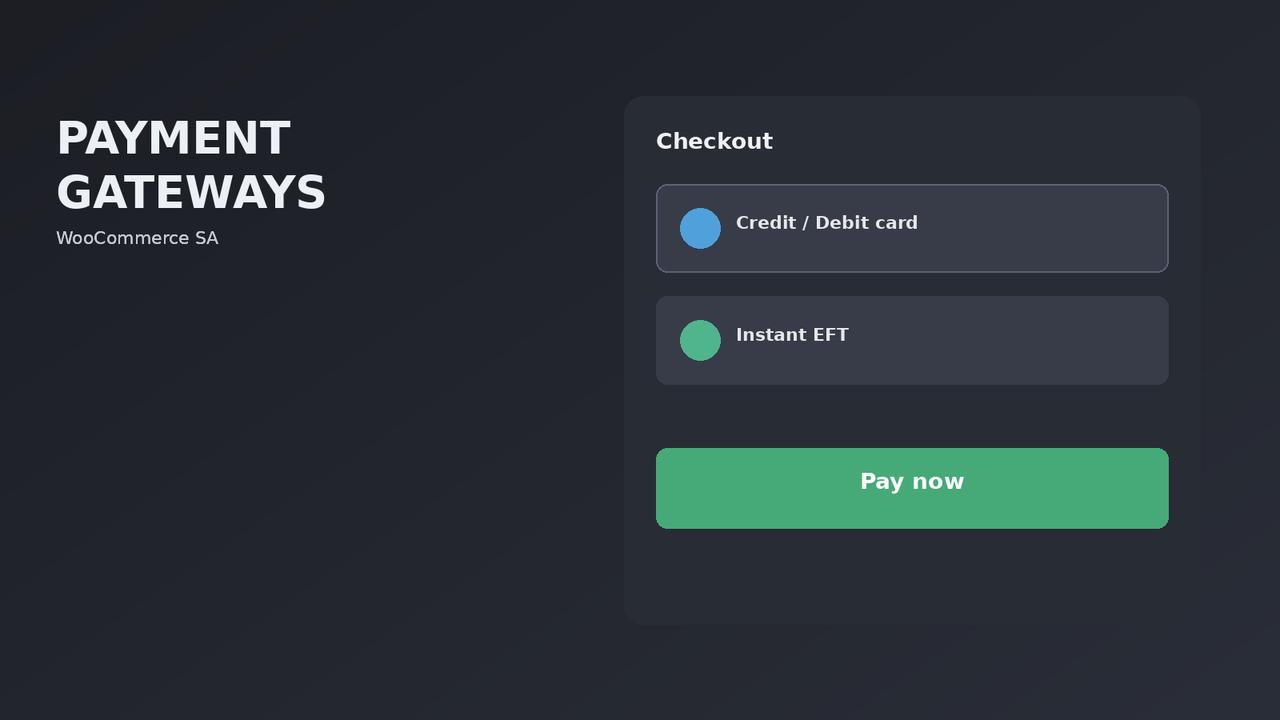
The pattern we install most often is a card gateway plus Ozow. South African shoppers who dislike entering card details online will still pay by EFT, and instant EFT settles faster than a manual bank transfer with proof of payment emailed to you three days later.
The integration that breaks: callbacks
Almost every South African payment gateway for WooCommerce is redirect-based. The customer leaves your site, pays on the provider’s page, and comes back. The order is not marked paid by the customer returning. It is marked paid by a server-to-server callback from the provider to your site.
PayFast calls this the ITN, or Instant Transaction Notification. Other providers use different names for the same idea. When it fails, the symptom is always identical and always alarming: the customer paid, the money is in your merchant account, and the WooCommerce order is still sitting on pending.
Four things break callbacks, in rough order of how often we see them:
- A security plugin or firewall blocking the request. The callback arrives from the provider’s IP range, not from a browser. Aggressive WAF rules treat it as suspicious traffic and drop it. Whitelist the provider’s IPs.
- Page caching serving the callback URL. If your cache returns a stale response to the notification endpoint, the gateway thinks it delivered and never retries. Exclude the callback path from caching.
- A staging or development URL left in the gateway config. Astonishingly common after a site migration. The provider is faithfully notifying a site that no longer exists.
- HTTP to HTTPS redirect chains. Some providers do not follow redirects on the callback. If your notify URL is http and redirects to https, the notification may simply be lost.
Test the callback before launch, not after. Put through a real transaction for a small amount and confirm the order moves to processing on its own, without you touching it.
Setting up a WooCommerce payment gateway properly
The plugin install is the easy part. This is the checklist we run on every store before it takes real money.
- Test in sandbox first. Every major provider offers one. Run a successful payment, a declined payment and an abandoned payment. The last two are the ones nobody tests and the ones that produce confused customers.
- Confirm the callback fires. Place a live low-value order. Watch the order status change without intervention.
- Check the failure path. When a payment fails, does the customer land back on your cart with their items intact, or on a dead end? A broken failure path silently costs you recoverable sales.
- Set order statuses deliberately. Decide what a paid order becomes: processing, or completed. For physical goods it should be processing. Setting it to completed means the customer gets a “your order is complete” email before you have packed anything.
- Verify emails actually send. WooCommerce order emails from a shared host frequently land in spam or vanish. Use a transactional SMTP service. This is not optional.
- Match the currency and decimal settings. ZAR, two decimals. Mismatches between WooCommerce and the gateway cause signature validation failures on some providers.
- Display the gateway logos at checkout. Trust signals measurably lift conversion at the payment step in South Africa, where card fraud anxiety is high.
Offering more than one gateway without confusing people
There is a real tension here. More payment options means more customers can pay the way they prefer. Too many options at checkout creates decision paralysis and drops conversion.
Our rule: no more than three visible payment methods, and label them by what the customer does, not by the provider’s brand name. “Pay by card” and “Pay by instant EFT” are clearer than two logos the customer has to interpret.
If you are adding buy-now-pay-later on top, that is a fourth option and it needs to earn its place. We covered when it does in our honest guide to BNPL in South Africa.
Fees, and where they actually land
Gateway fees on a WooCommerce store are not the whole cost of accepting payment. The full picture includes the gateway percentage, any per-transaction rand fee, settlement delay, chargeback exposure, and the cost of failed payments you never recover.
The percentage is the number everyone compares. The settlement delay is the one that hurts a growing store, because money sitting in a merchant account for several days is working capital you cannot use to buy stock.
We run the comparative numbers properly in two other pieces: the cheapest payment gateway comparison and our PayFast vs Ozow vs Peach vs PayGate breakdown. Both are worth reading before you commit, because switching later means reintegrating and retesting everything above.
WooCommerce payment gateway FAQs
Which payment gateway is best for WooCommerce in South Africa?
For most stores, a card gateway from PayFast, Yoco or Peach, plus Ozow for instant EFT. The right card provider depends on your volume and margin, because the fee difference only becomes material above a certain turnover. Below roughly R50,000 a month, choose on integration quality and support rather than on a fraction of a percent.
Why is my WooCommerce order still pending after the customer paid?
Almost always a failed callback. Check whether a security plugin or firewall is blocking the provider’s notification, whether the callback URL is excluded from caching, and whether the notify URL in your gateway dashboard points at your live domain. Test with a real low-value transaction.
Can I use Stripe or PayPal on a South African WooCommerce store?
PayPal works but South African merchant support has historically been restrictive, and withdrawal to a local bank account is awkward. Stripe does not fully support South African businesses in the way it does elsewhere. For a store selling to South African customers in rand, a local provider is almost always the better answer.
Do I need more than one payment gateway?
Not at launch. One card gateway that works properly beats three that are half-configured. Add instant EFT once you have real orders and can see how many customers abandon at the payment step.
How do I test a payment gateway without taking real money?
Every major provider offers a sandbox or test mode with test card numbers. Use it for the happy path, then do at least one real low-value live transaction before launch. Sandbox environments do not always catch callback and firewall problems, which are the failures that matter most.
Does adding a payment gateway slow my store down?
Gateway plugins themselves are usually light. The problem is when a store installs four of them and only uses one. Deactivate and delete gateways you are not using — each one still loads code on the checkout page.
What happens to a payment if my site goes down mid-transaction?
The payment still completes on the provider’s side, because that happens on their infrastructure. The callback to your site fails, and most providers retry for a period. When your site comes back, the order should reconcile. This is one of several reasons to use hosting that stays up.

We have built 400+ online stores for South African businesses since 2014. Read more about WooCommerce development in South Africa.